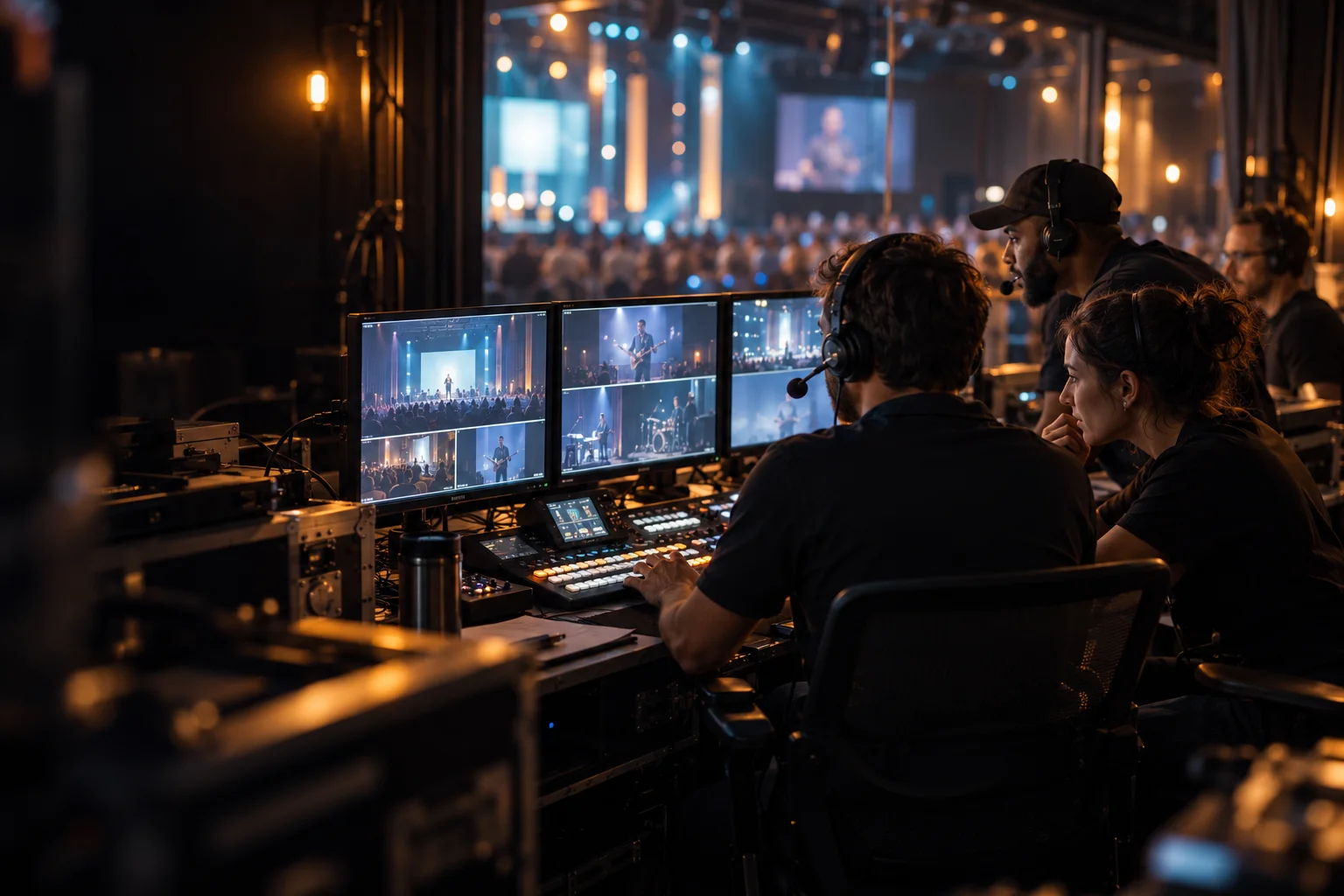
Configuration 01
Essential Worship
PIXEL;GATE + 2 cameras + audio mixer. A compact starting point for a single-room service and livestream.
Discuss this system →Real spaces. Shared moments.
A Sunday service. The winning goal. A conversation that matters. Bring your people, cameras, and ideas together with a production workflow built around your world.
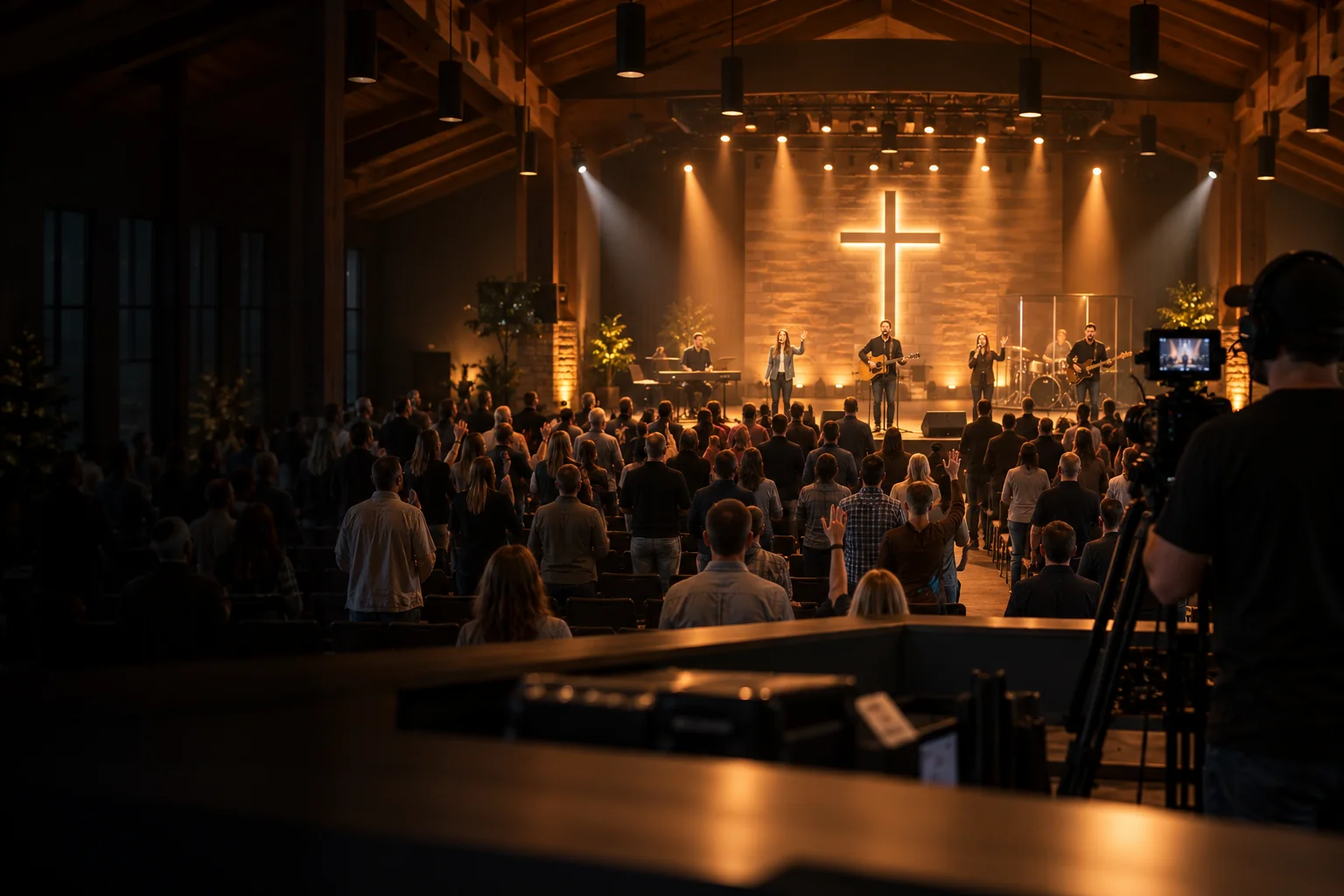
01 / House of Worship
For the volunteers behind every Sunday.
Connect PTZ cameras, audio mixing, lyrics, graphics, streaming, and recording in one coordinated worship workflow. Build around reliable weekly operation and the volunteers who make it happen.
Inside the workflow
Example: a weekly service with 3–4 PTZ cameras, a dedicated broadcast audio feed, lyrics, and a small volunteer team.
01 / Capture & prepare
Wide sanctuary view, speaker close-up, and band or congregation angles.
A dedicated aux or bus from the venue mixer, balanced for online listeners.
Prepared lyrics, scripture, and sermon slides, cued to the service.
Walk-in loops, announcements, and pre-recorded clips prepared before doors open.
02 / Direct & produce
PIXEL;GATE
PRO + worship workflowBring the service plan into a repeatable production workflow.
Human control
Camera presets · lyric cues · service transitions
03 / Deliver & reuse
A composed program with camera views, words, and broadcast audio.
A local video feed routed to the venue’s display system as required.
Record the program for reviewing the service and preparing later edits.
Monitor sources, audio, and delivery status while the service runs.
Parallel house-audio path
House sound stays with the venue mixer; a separate broadcast feed enters the production system. Display routing is scoped to the room.
A repeatable Sunday workflow that helps volunteers focus on the service instead of rebuilding the setup each week.
Configuration 01
PIXEL;GATE + 2 cameras + audio mixer. A compact starting point for a single-room service and livestream.
Discuss this system →Configuration 02
PIXEL;GATE PRO + 3–4 PTZ cameras + mixer + lyrics/presentation system + monitors. Coordinate camera views, words, and screens from one production position.
Discuss this system →Configuration 03
Multiple PIXEL;GATE systems + network video infrastructure + remote operation + distribution workflows. Plan each site around its network and delivery requirements.
Discuss this system →Start with a specialized package: PIXEL;GATE CHURCH Kit
Explore kit contents →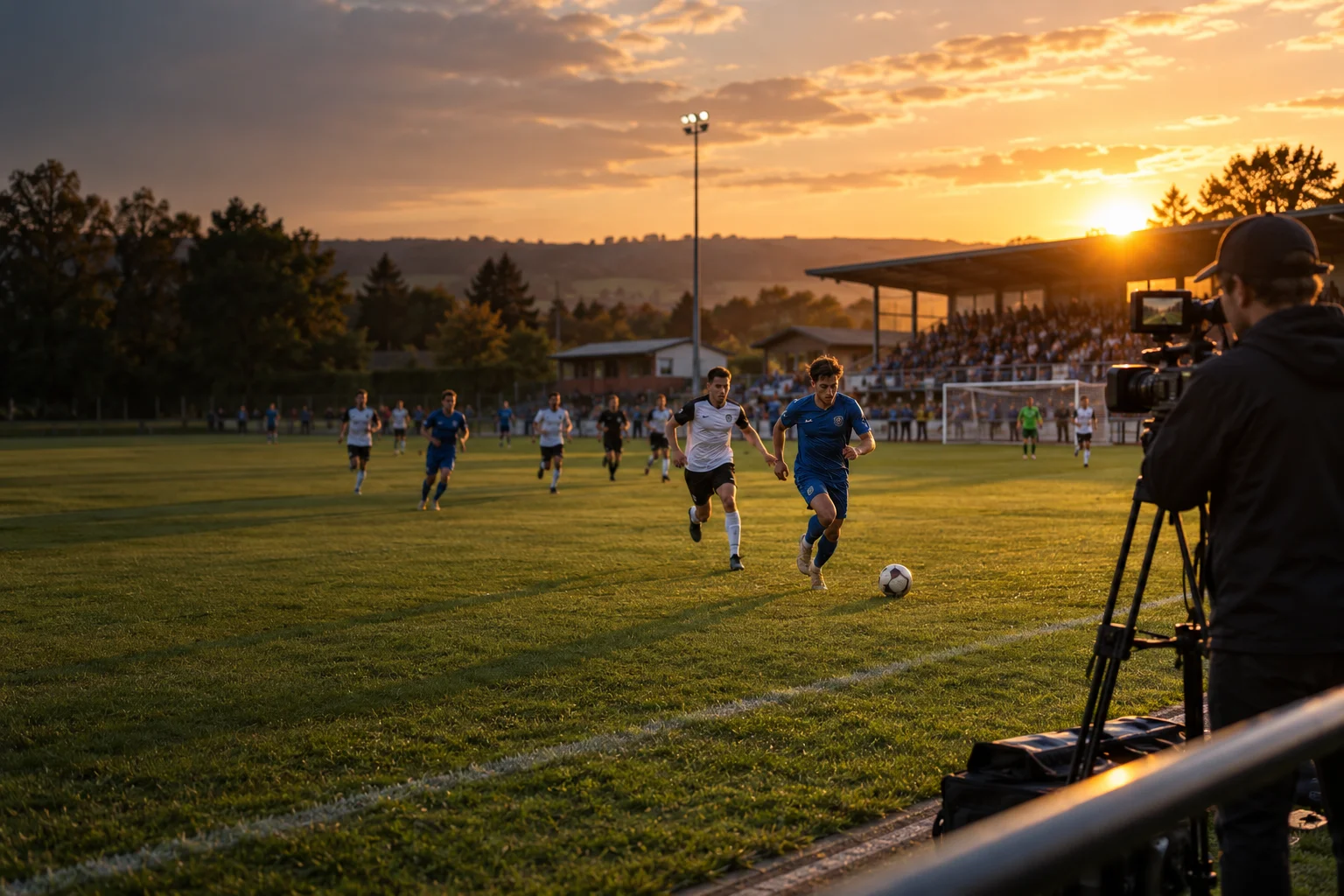
02 / Live Sports
For the moments your audience wants to see again.
Bring multiple cameras, dedicated replay controls, live scoreboards, and streaming destinations into a unified sports workflow for schools, clubs, stadiums, and regional production teams.
Inside the workflow
Example: a school or club match with a wide camera, a tight action angle, commentary, score graphics, and a dedicated replay operator.
01 / Capture & prepare
A continuous wide view plus tighter action and optional sideline coverage.
Mix announcer microphones and field sound before feeding production.
An operator updates the clock, score, and team information using prepared graphics.
Prepare team identities, sponsor artwork, and break-time content before kickoff.
02 / Direct & produce
PIXEL;GATE
PRO or ELITE + SPORTS KitKeep the live match, replay cues, and score presentation coordinated.
Human control
Sports Control Pad · source selection · IN / OUT cues
03 / Deliver & reuse
Deliver the match program with commentary and on-screen match information.
Route a program feed to local displays where the venue requires it.
Retain the program and supported source recordings for review and editing.
Watch the incoming cameras and current program while cueing the next moment.
Replay decision loop
Replay is an editorial decision: check the live action before taking a replay to air. Camera intercom, tally, and venue routing are planned separately.
A small crew can coordinate live coverage, scoring, and replay around the pace of the match.
Configuration 01
PIXEL;GATE PRO + 2 cameras + commentary audio + scoreboard templates. Cover the match with a small crew.
Discuss this system →Configuration 02
SPORTS Kit with PRO or ELITE + multiple cameras + Replay Pad + venue display and stream outputs. Add dedicated replay operation to the live workflow.
Discuss this system →Configuration 03
Multiple production positions + network video infrastructure + scoring integration + recording and distribution workflows. Scope camera locations, signal transport, and delivery together.
Discuss this system →Start with a specialized package: PIXEL;GATE SPORTS Kit
Explore kit contents →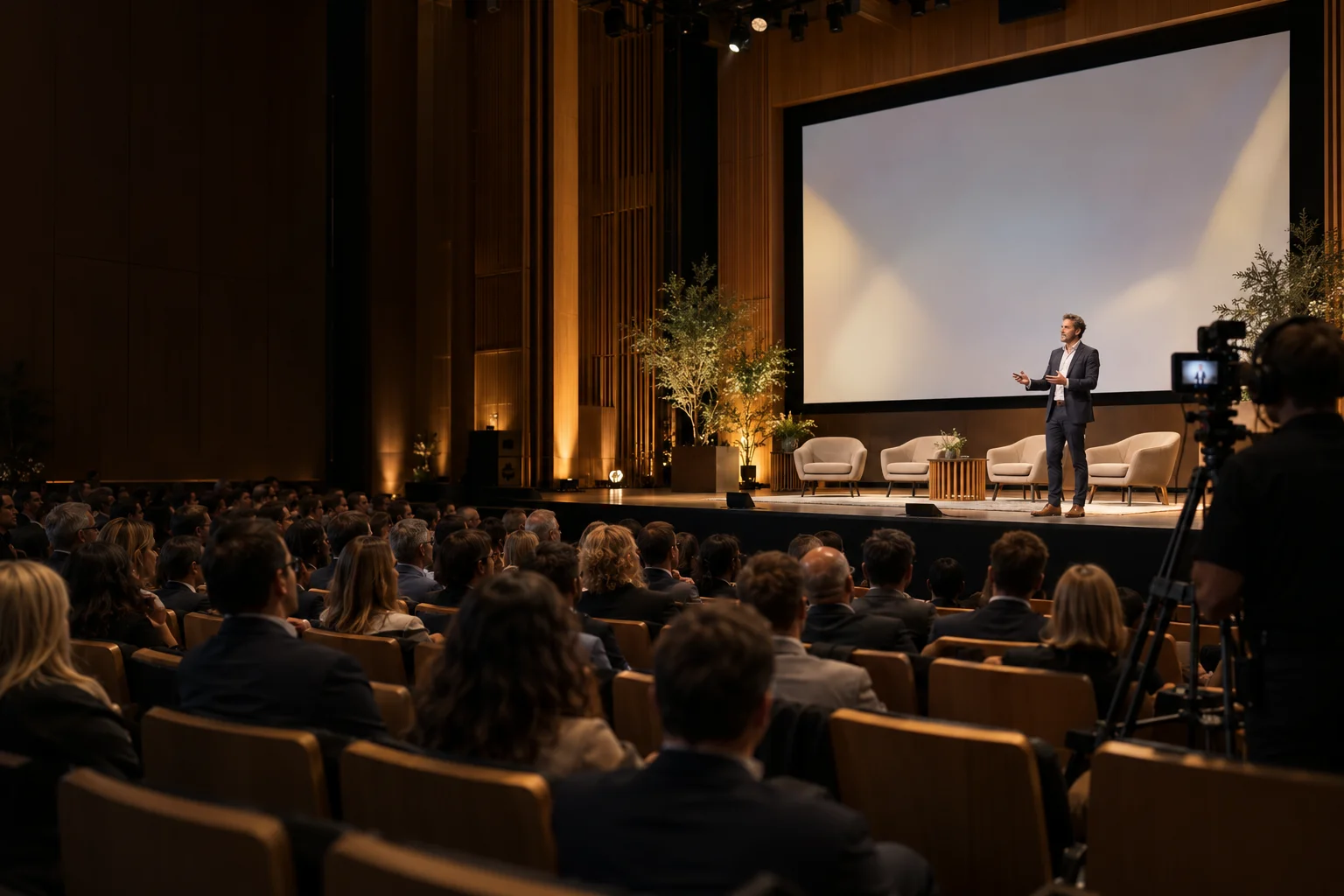
03 / Conferences & Hybrid Events
For the people in the room. And everyone beyond it.
Integrate cameras, presentations, graphics, audio, recording, and remote operation for conferences, panel discussions, corporate events, and hybrid meetings.
Inside the workflow
Example: a hybrid panel with 2–3 cameras, presentation slides, a remote speaker, a room audio team, and a streamed session archive.
01 / Capture & prepare
Speaker close-ups, panel views, and an audience angle for questions.
Slides, demonstrations, and playback prepared for the event run of show.
Presenter and panel microphones, with send and return routing managed by the audio team.
A meeting computer provides guest video through a compatible capture path.
02 / Direct & produce
PIXEL;GATE
PRO + hybrid meeting integrationCompose a clear event program for the audience beyond the room.
Human control
Run-of-show cues · camera presets · remote browser control
03 / Deliver & reuse
Send the program over a compatible USB/UVC connection with correctly routed audio.
Route the appropriate video to projection or displays through the venue AV system.
Deliver a composed event program to the selected streaming destination.
Capture the program for on-demand sessions and post-event editing.
Remote audio return · external mixer / meeting computer
Exclude the remote guest’s own audio from the send back to them. Rehearse the full send-and-return path to check echo, lip sync, and feedback.
The in-room and remote experience are planned together, so speakers can focus on the conversation.
Configuration 01
PIXEL;GATE + 2 cameras + presentation computer + audio mixer. Combine speaker views and slides in one program.
Discuss this system →Configuration 02
PIXEL;GATE PRO + PTZ cameras + presentation sources + conference audio + USB/UVC meeting output. Plan audio routing and mix-minus around the meeting platform.
Discuss this system →Configuration 03
Multiple PIXEL;GATE systems + network inputs + remote operators + central distribution. Design around room schedules, shared feeds, and recording needs.
Discuss this system →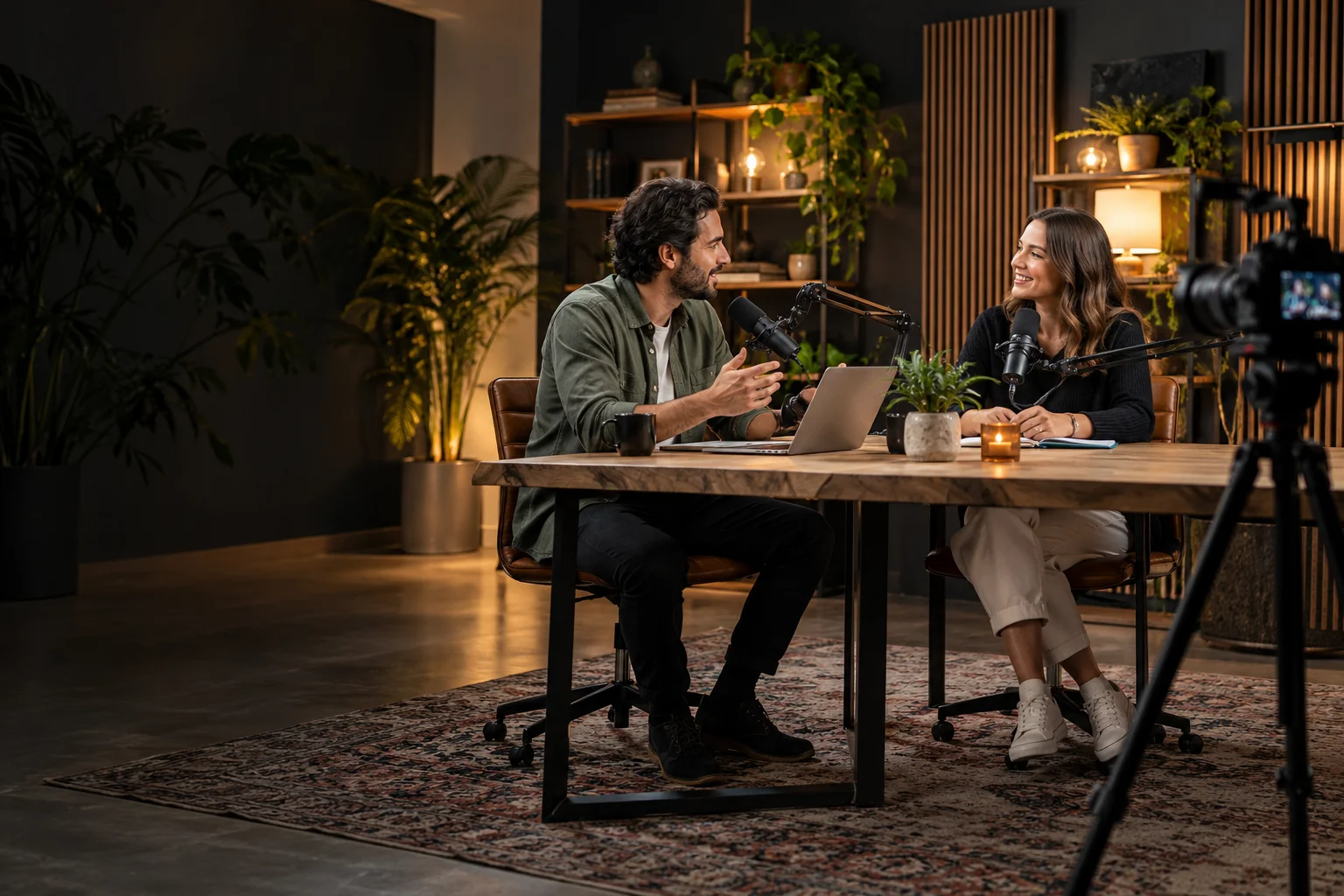
04 / Studios & Education
For conversations and ideas worth sharing.
Build connected workflows for podcasts, interviews, classrooms, and creator spaces. Combine multi-camera control, graphics, audio-driven switching where supported, and recordings ready for post-production.
Inside the workflow
Example: a three-camera interview or teaching session with a compatible USB audio mixer, presentation media, and a recording handoff for editing.
01 / Capture & prepare
A wide two-person view and a close-up for each speaker or demonstration.
Balance host and guest microphones using a compatible USB-output mixer.
Bring in a presentation or a demonstration feed alongside the presenter.
Prepare intros, name graphics, overlays, and pre-recorded media for the episode.
02 / Direct & produce
PIXEL;GATE
ELITE + compatible USB audio mixerConnect a repeatable session setup with the recording and post-production workflow.
Human control
Speaker mapping · manual override · recording checks
03 / Deliver & reuse
Stream the finished composition when the session calls for a live audience.
Preserve supported ISO recordings for camera-choice changes in the edit.
Use supported WAV and XML exports to move the recording into post-production.
Upload supported project files for cloud transcription and summaries.
After the session
Audio-driven switching requires a compatible mixer and speaker mapping. Confirm recording formats, storage, export support, and cloud services for the chosen configuration.
A consistent studio workflow reduces repeated setup and gives the editor more useful material after the session.
Configuration 01
PIXEL;GATE + 2 cameras + microphone system + presentation computer. Bring the presenter, demonstration, and lesson materials into one view.
Discuss this system →Configuration 02
PIXEL;GATE ELITE + multiple cameras + compatible USB audio mixer + recording storage. Configure supported audio-driven camera switching and recording for the session.
Discuss this system →Configuration 03
Multiple studios or classrooms + network video infrastructure + shared production resources. Coordinate remote control, recording, and publishing workflows.
Discuss this system →Designed around your space
Tell us about your venue, camera positions, audio system, operators, and delivery destinations. We’ll help scope the devices and workflow that fit.
These are reference architectures, not fixed purchasable bundles. Exact device quantities, software capabilities, connectivity, and integration depend on site requirements and tested compatibility. Cameras, audio equipment, displays, and network infrastructure are scoped separately.